
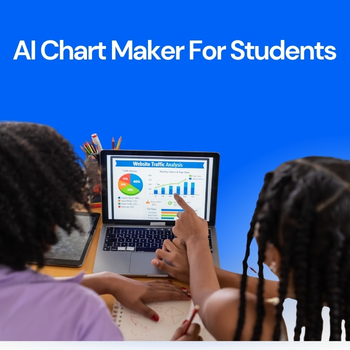
Data-driven assignments are now a core part of education. From business analytics and economics to science, psychology, and engineering, students are expected to analyze data and present it clearly. However, raw numbers in tables rarely make an impact. This is where an AI Chart Maker changes the game helping students convert assignment data into clean, professional charts in minutes instead of hours.
In this guide, you’ll learn how students can use AI-powered tools to transform spreadsheets and datasets into charts that improve clarity, grades, and presentation quality.

Universities increasingly emphasize data interpretation and data literacy, not just data collection, as highlighted by research exploring university students’ perspectives on data skills and employability.
Charts make assignments easier to understand and more persuasive. A well-designed graph can communicate insights faster than a full page of explanation.
But traditional chart creation tools often:
That’s why students are shifting toward AI-powered visualization tools.
Before AI, students typically struggled with:
Many still rely on traditional tools like Excel or Google Sheets, which are powerful but time-consuming for beginners. According to academic productivity comparisons published by tools like Microsoft Excel, manual chart creation often distracts students from actual analysis.
AI removes these barriers.
AI-powered chart tools analyze your data automatically and recommend the most suitable visual format. Instead of manually deciding between bar charts, line graphs, or scatter plots, the system does the thinking for you.
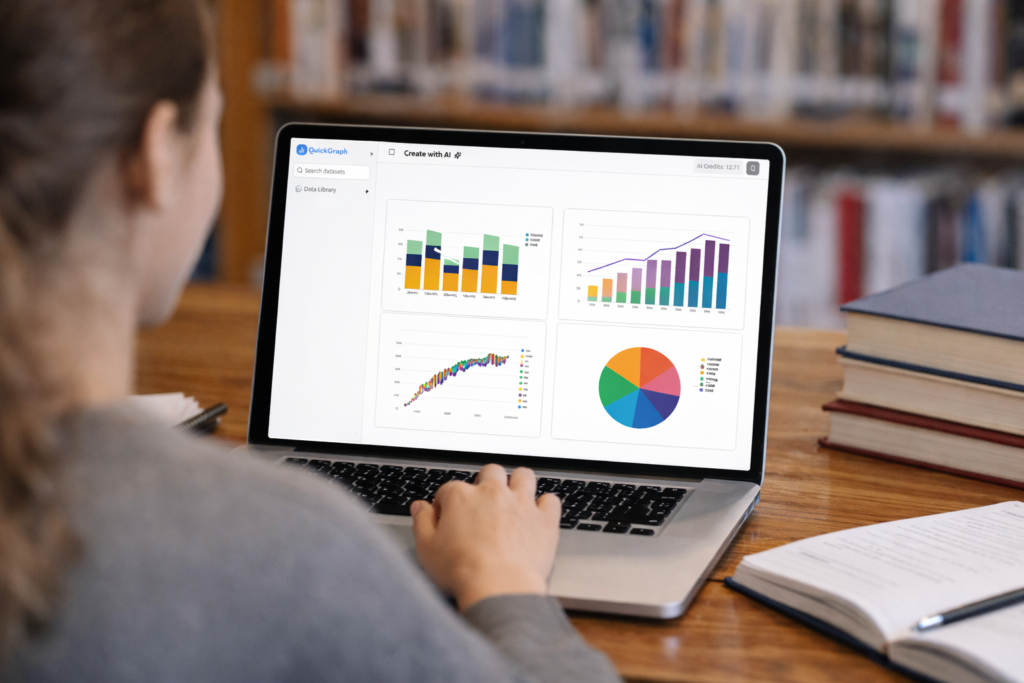
With QuickGraph AI, students can:
This makes AI tools especially valuable for students managing tight deadlines and multiple assignments.
Organize your data in a simple format:
Most AI tools work best with structured data.
Instead of building charts manually, upload your file to QuickGraph AI. The system reads the dataset and identifies relationships automatically.
No advanced technical skills required.
AI detects whether your data shows:
This step alone saves students a significant amount of time.
Students can:
The result looks professional and submission-ready.
Charts can be exported and directly added to:
This is especially useful for students working on capstone projects or data-heavy coursework.
Different subjects require different visualizations:
| Assignment Type | Recommended Chart |
|---|---|
| Business or Economics | Bar, Line |
| Science Experiments | Line, Scatter |
| Survey Analysis | Pie, Bar |
| Statistics Projects | Histogram, Box Plot |
AI tools guide students toward these choices automatically, reducing guesswork.
Modern education focuses on:
Students who present insights visually stand out in:
Learning how to use AI for data visualization gives students a practical skill that extends beyond college into professional life.
QuickGraph AI is designed for learners, not just professionals. It helps students:
Whether you’re working on a simple class project or a detailed research paper, AI-powered charts make your work clearer and more impactful.
Turning assignment data into charts no longer has to be complicated. With an AI Chart Maker, students can visualize data faster, present insights better, and meet academic expectations with confidence.
As universities continue to emphasize data-driven learning, tools like QuickGraph AI help students stay ahead by transforming numbers into knowledge.
